Have you ever generated a piece of text with an AI tool and felt like the output sounded generic, dry, or identical to everything else on the internet?
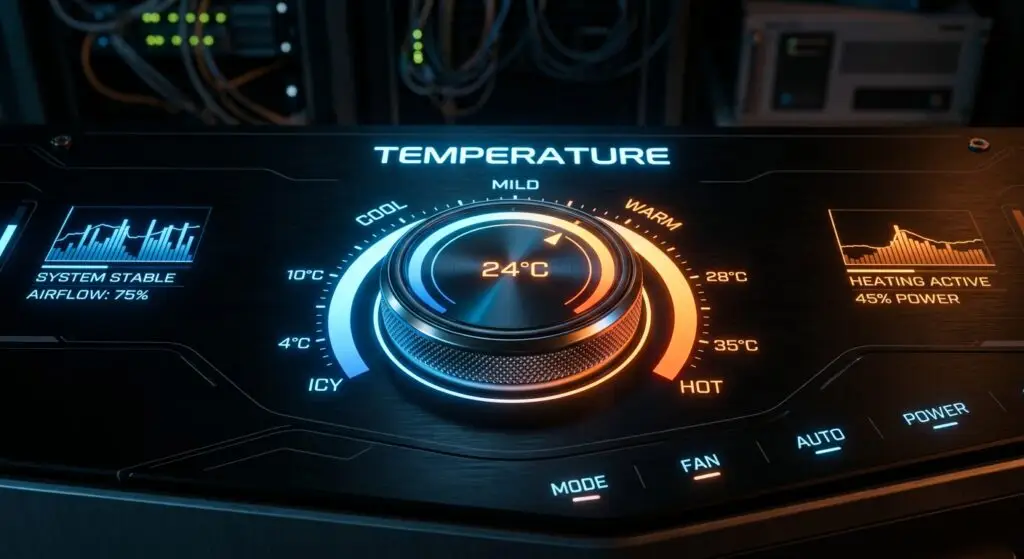
If your AI outputs feel too robotic, the problem might not actually be your prompt. It might be a hidden setting called temperature.
Most business owners leave this parameter on its default setting, completely unaware that adjusting this single dial can instantly transform flat responses into fresh, creative ideas.
What Is AI Temperature?
In artificial intelligence models, temperature is a control parameter that regulates the balance between predictability and randomness in generated responses.
Think of temperature as a creativity dial:
- Low Temperature (0.0 to 0.3): Forces the model to choose the most statistically probable words. This results in safe, consistent, and highly predictable answers.
- Medium Temperature (0.4 to 0.7): The standard default for most conversational tools. It balances factual accuracy with natural phrasing.
- High Temperature (0.8 to 1.0+): Encourages the model to select less common word combinations, generating creative, highly original, and sometimes unusual ideas.
When to Adjust the Temperature Dial
Leaving your AI on default for every task means missing out on its full capabilities. Matching the temperature setting to your specific business objective unlocks vastly better results.
Use Low Temperature For:
- Formatting unstructured data into clean tables or JSON.
- Summarizing meeting notes accurately without creative drift.
- Draft standard transactional emails or customer service replies.
- Coding, mathematical calculations, and logic based tasks.
Use High Temperature For:
- Brainstorming new marketing campaign angles or product names.
- Drafting creative copy, taglines, and social media hooks.
- Uncovering alternative solutions to complex strategic problems.
- Exploring fresh perspectives during team workshops.
Mastering Advanced AI Workflows
While not every basic consumer chat interface exposes the temperature slider directly, understanding how parameters impact output changes the way you evaluate AI performance.
Fine-tuning parameters, selecting the right tools, and customizing systems for real day to day business operations requires structured hands-on training.
If you are looking to move beyond simple prompts and implement production-ready AI workflows for your organization, structured programs like the AI for Business curriculum in Charlotte offer dedicated labs on customization, tool selection, and advanced settings.
- Program Structure: Four comprehensive courses featuring twelve hands-on labs tailored for business workflows.
- Application Link: Apply for the AI for Business Program